Your AI gets a database.
Not a connection string it has to guard. A SQL database it can create, migrate, query and back up through tools — scoped to the project, audited on every write, and never a key in its hands.
$15 a month, and it isn't just this app — every Parsons product is on the same subscription. Cancel any time. Every write is audited inline — the record of a delete cannot vanish when the worker tears down — and a batch is validated in full before a single statement runs.
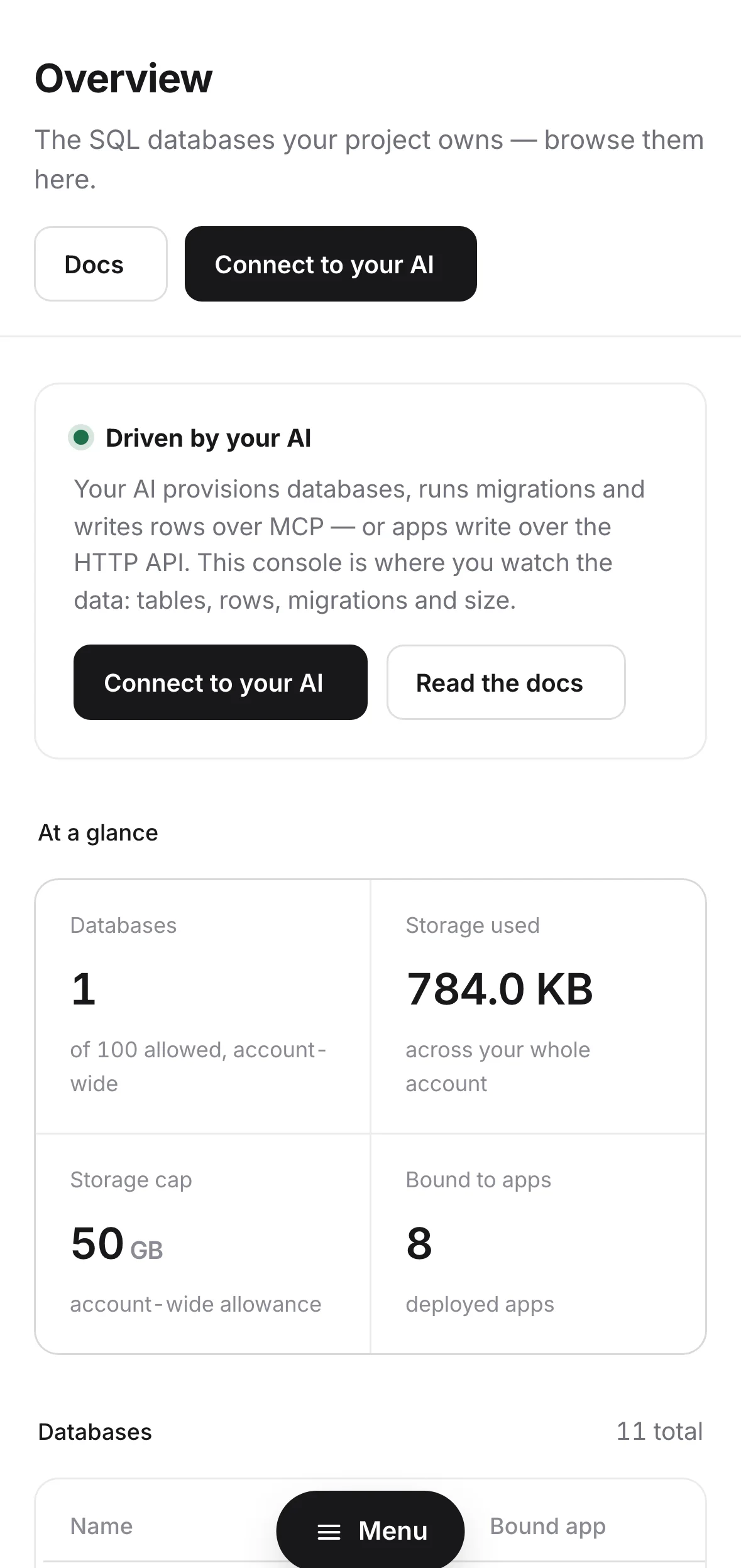
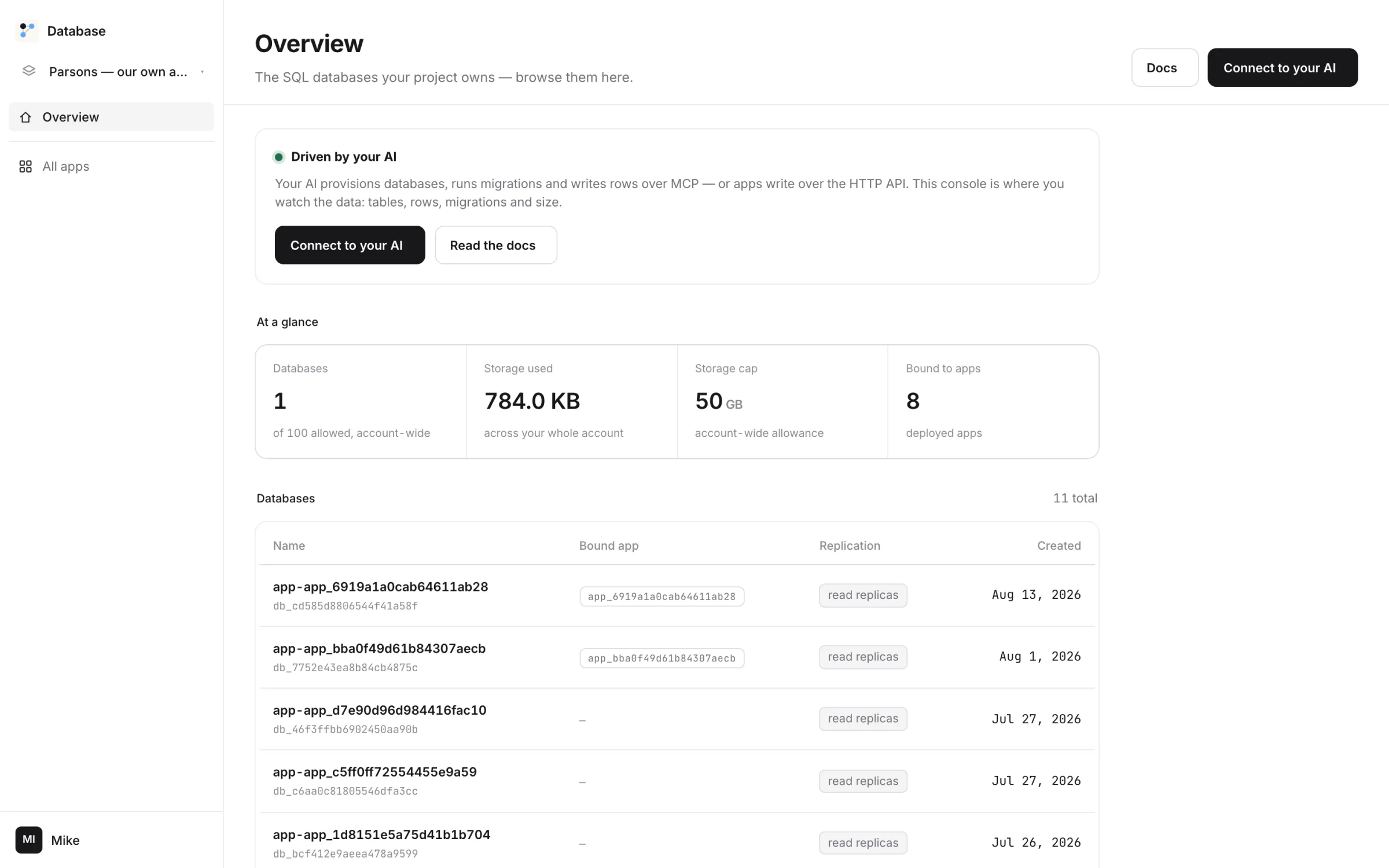
Create it. Query it. Never hold the key.
Ask for a database.
A name and it exists — in your project, with its own storage, ready to bind to an app.
Make a database for the invoice app.Paste one link into your AI.
Your account comes with one private address. Paste it into Claude, ChatGPT or Cursor once, and Database's tools are there. No AI of your own? The console has chat built in.
https://mcp-hub.parsons.ai/p/prof_••••••••/mcpMigrate and query in plain SQL.
Your AI writes the migration, runs it, and checks the result — through tools, with the project's authority, not a credential it copied somewhere.
Add an amount_cents column to invoices and backfill from total.migrateALTER TABLE invoices ADD amount_centsappliedqueryUPDATE … SET amount_cents = total*1001,204 rowsquerySELECT count(*) WHERE amount_cents IS NULL0Bind it to the app.
One call from Deploy and the app talks to it — no connection string in a config file, no key in a chat.
Bind it to invoice-lens.A database that answers to your project, not to a password.
Databases, per project
Up to 25 on the account, each a hard wall: its own tables, its own audit, its own bindings.
migrate0003_amount_cents.sqlappliedmigrate0004_index_status.sqlappliedMigrations your AI runs
Written, applied and verified through tools. Numbered, replayable, in the audit.
Queries in a sentence
Your AI reads the schema and writes the SQL. You get the answer, and the SQL if you want it.
Metered, flat, visible
1 GB of storage, 100M rows read and 1M written a month, pooled across every project. Past that it draws from credits you loaded — never an invoice.
batch50 statementsvalidatedbatchstatement 31 failsnothing ranBatches that are all or nothing
A batch is validated in full before any statement runs. A typo in line 31 doesn't leave lines 1–30 half-applied.
An audit that can't be lost
Audit rows are written inline, awaited, before the response — so the record of a delete survives the worker that did it.
It runs your SQL. It cannot leak your key.
- ×Hand your AI a connection stringAccess is through tools, with the project's authority. There is no credential to copy, paste or leak.
- ×Reach another project's databaseDatabases are walls. A query in one project cannot name another's.
- ×Run half a batchA batch is validated in full first. It runs entirely, or not at all.
- ✓Create, migrate, query, back up and bind databases
- ✓Read usage, audit and schema
- ✓Export a database, any time
There is no security slogan on this page and no badge we haven't earned. Everything in that list is a thing you can check; the full mechanism and every tool are on the details page.
Fifteen dollars a month — and it isn't just this app.
Is it worth it? Start where we look worst.
A hobby database on a free tier costs nothing. Here's what the serverless databases publish for the first paid tier.
Ours is $15 for the whole account, and it's also the host the app runs on, the login it uses and the scheduler that runs its jobs. And there is no free tier because a database that's free is a database with a metered surprise behind it.